Features

Everything you need to make a map

Grouped by what you're trying to get done.

Bring your data — and take it with you

Drag almost any spatial file onto the map. Nothing is locked in — export it back out whenever you like.
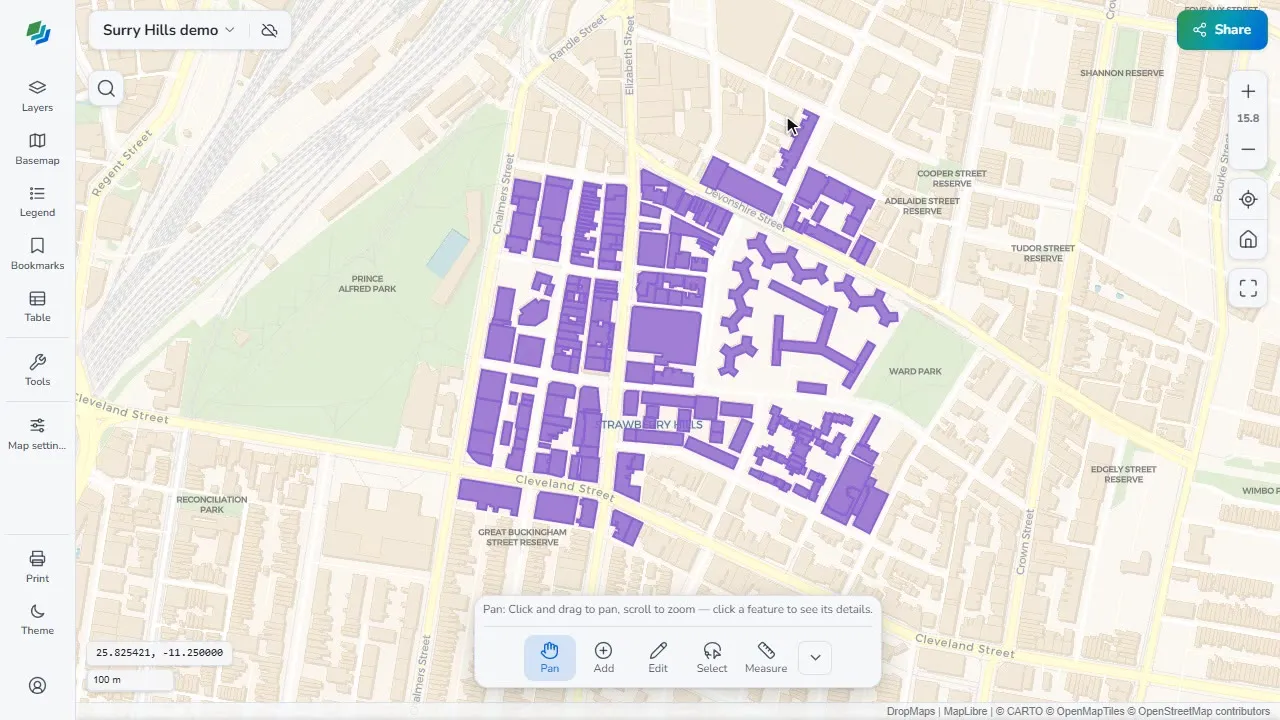
  • Shapefile (.shp/.zip), File Geodatabase (.gdb.zip), GeoPackage, KML & KMZ, GPX, GeoJSON, TopoJSON
  • CSV with lat/lng or WKT geometry · FlatGeobuf · GeoParquet
  • GeoTIFF / Cloud-Optimized GeoTIFF (COG) rasters
  • PMTiles & MBTiles vector & raster archives
  • Export layers back out to GeoJSON, CSV and more
Edit attributes & geometry

A full attribute table and drawing tools, right in the browser.

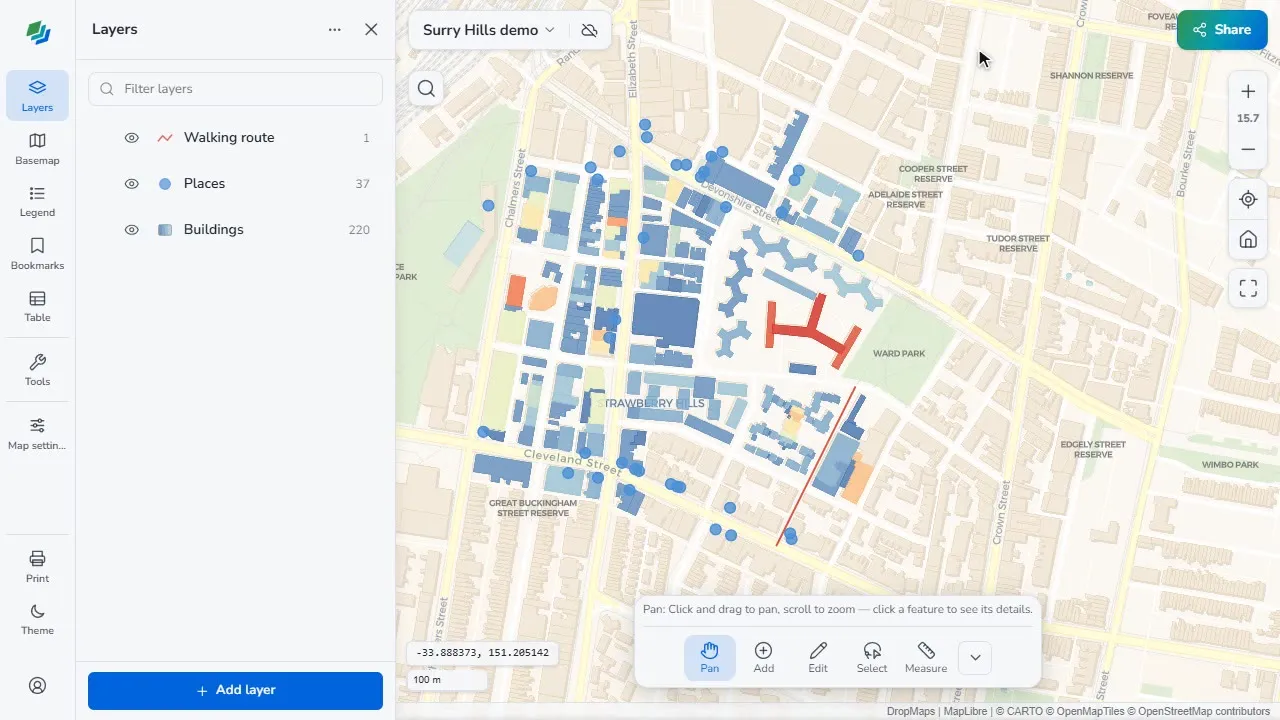
  • Attribute table: view, sort, search and edit properties inline
  • Field calculator — derive or update columns with SQL across the whole layer
  • Add, rename, retype and delete fields
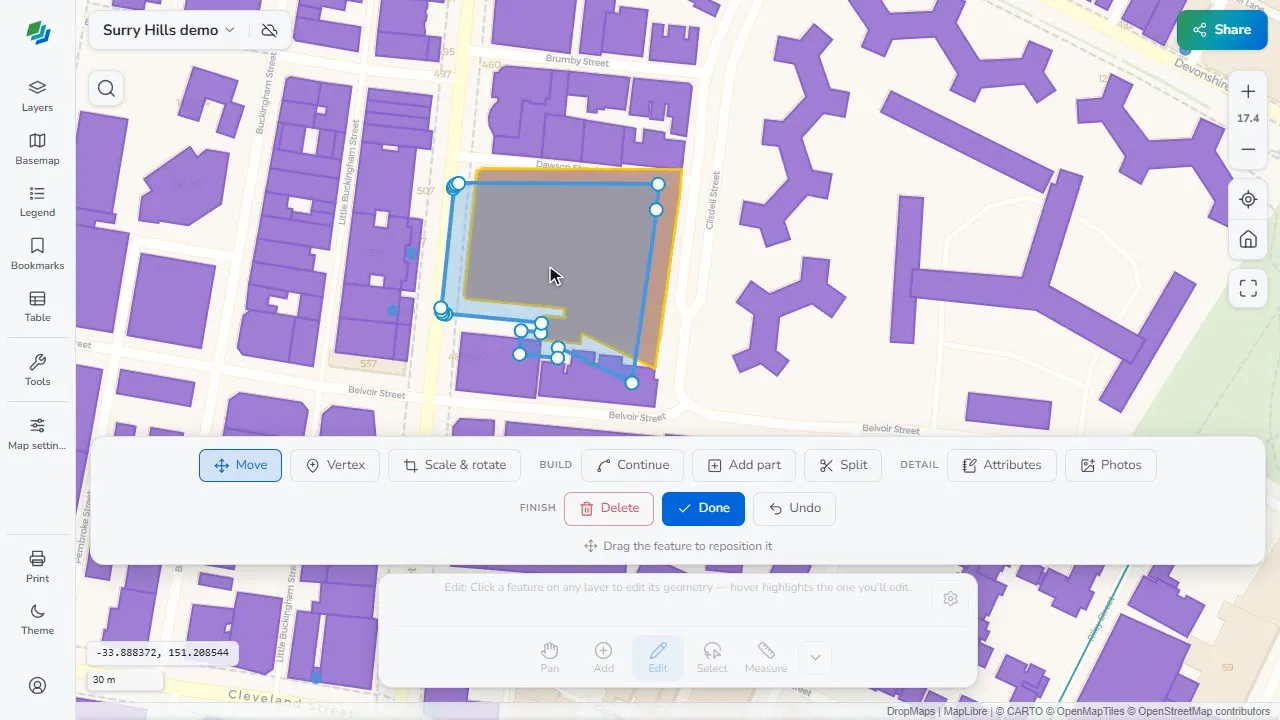
  • Draw, move & reshape points, lines, polygons, vertex editing and snapping

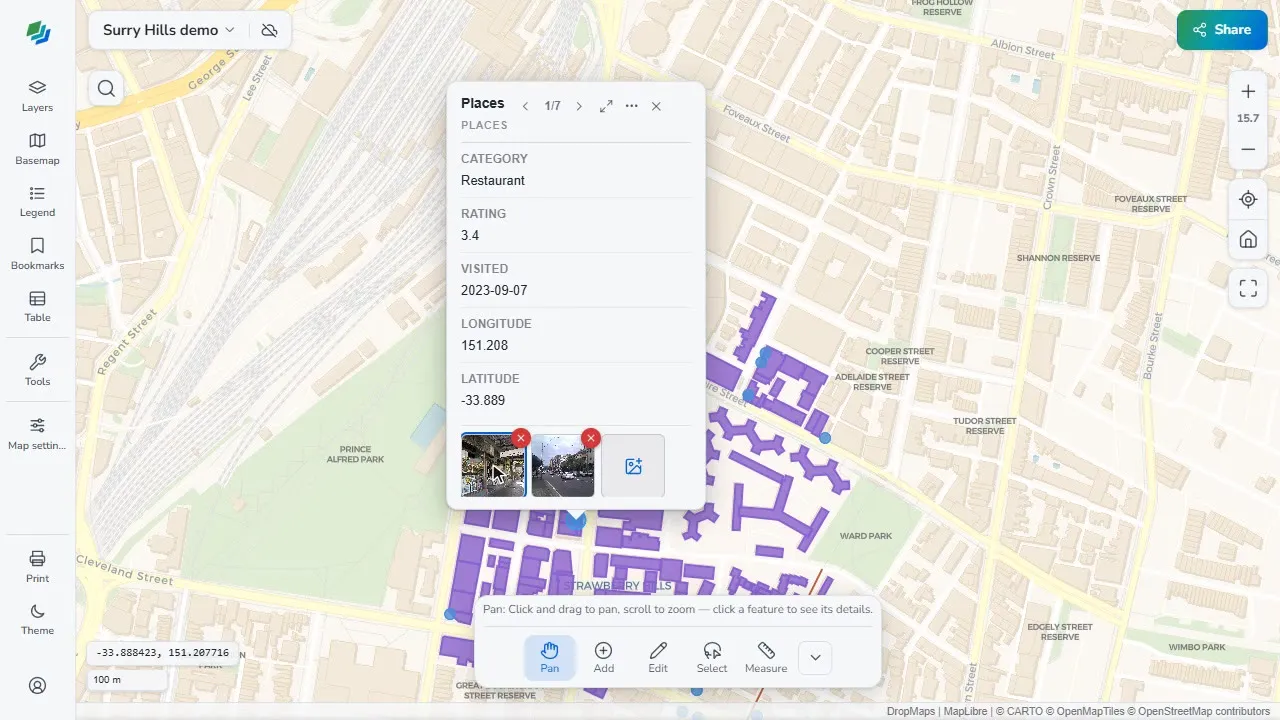
Attach photos & documents

Tie real-world media to features and browse it without leaving the map.

  • Attach photos to any feature, with a built-in gallery and lightbox
  • Attach documents — PDF, Word, Excel, text and more — per feature
  • Reads media references from KMZ / Avenza PDF-Maps, ArcGIS and Earth exports
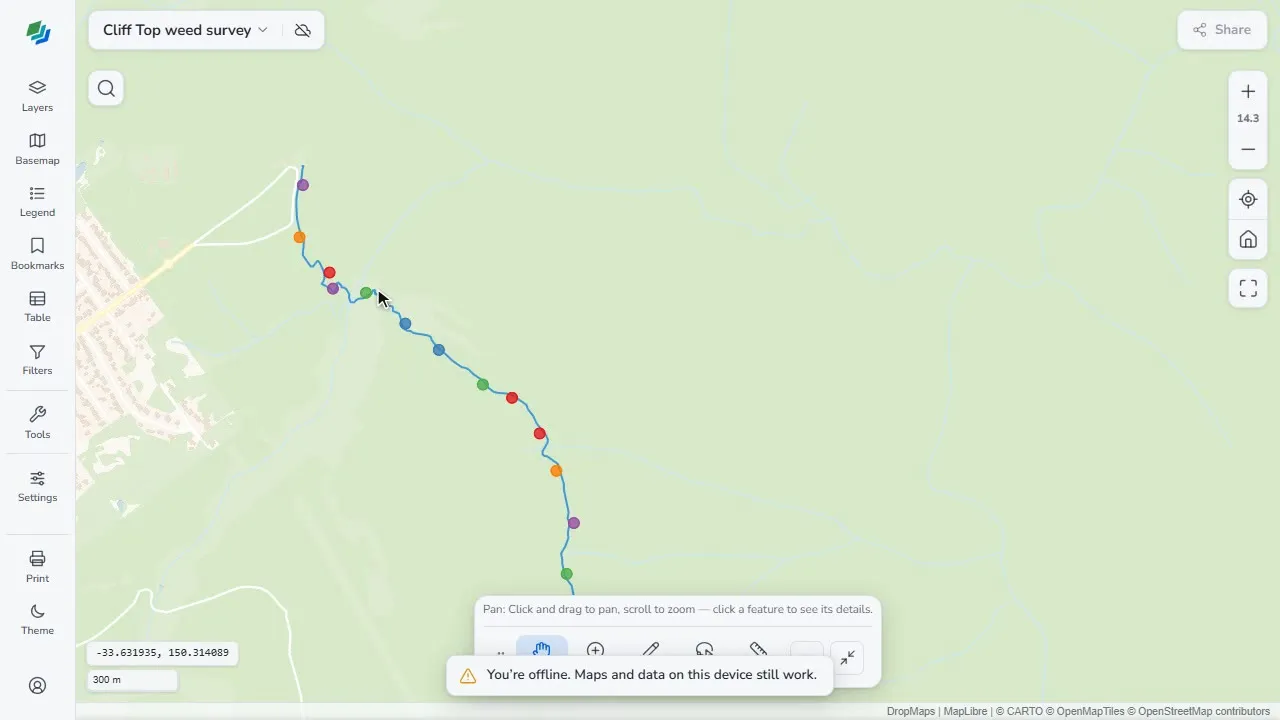
  • Everything is stored locally in the browser

Query & analyse with SQL

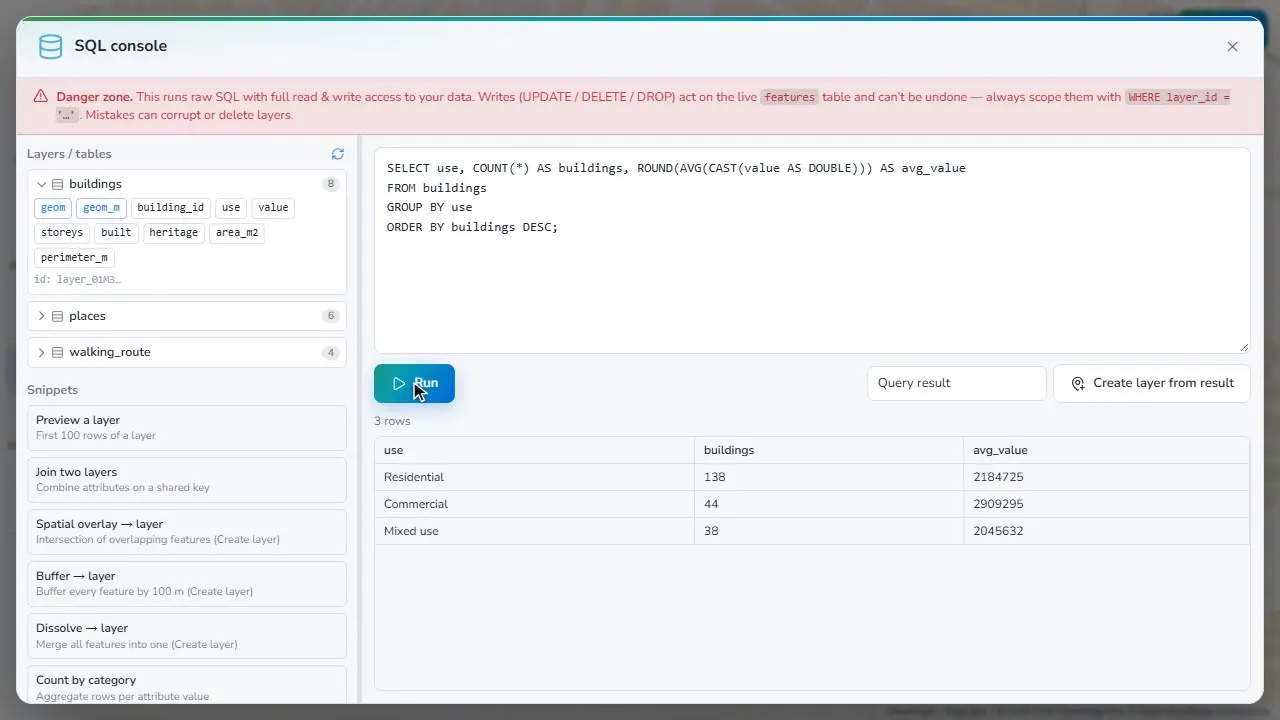
Real analysis powered by DuckDB-WASM — no database to stand up.

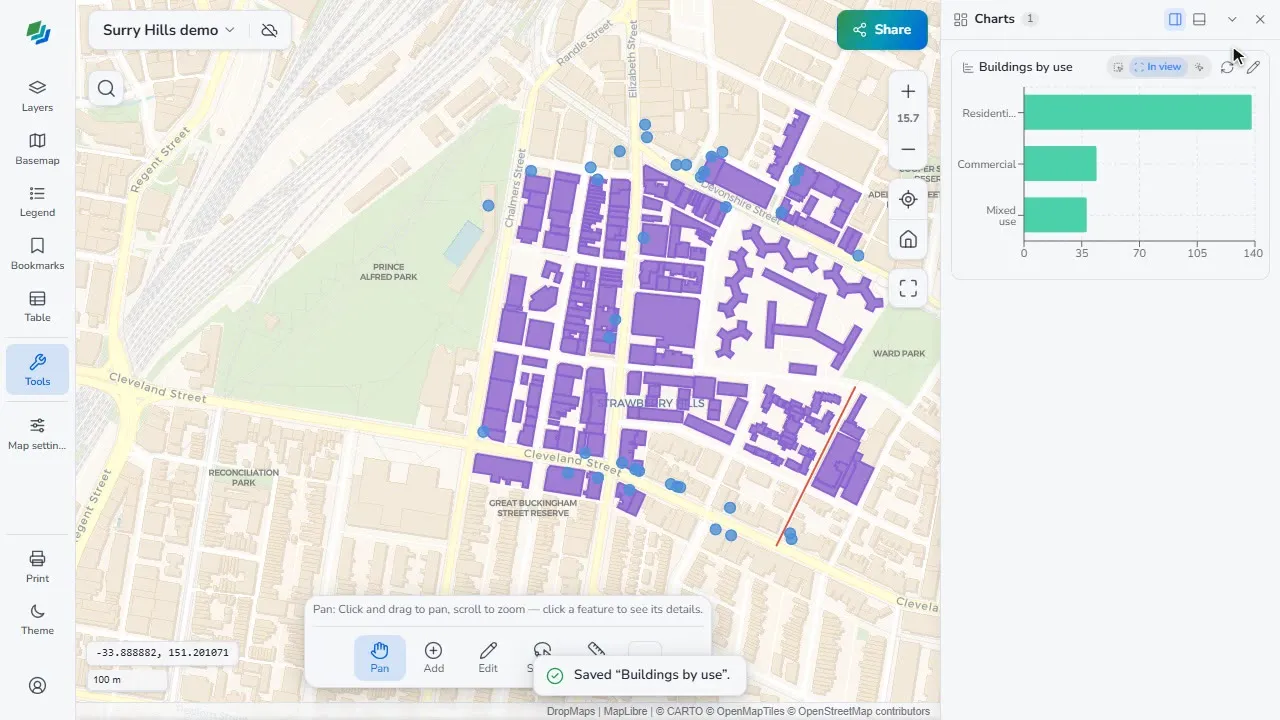
  • Full SQL over your attributes — no setup, no server
  • Spatial ops: buffer, centroids, convex hull, simplify, dissolve (ST_* functions)
  • Results drop back onto the map as new layers you can style and export
  • Runs entirely client-side — your data never leaves the browser

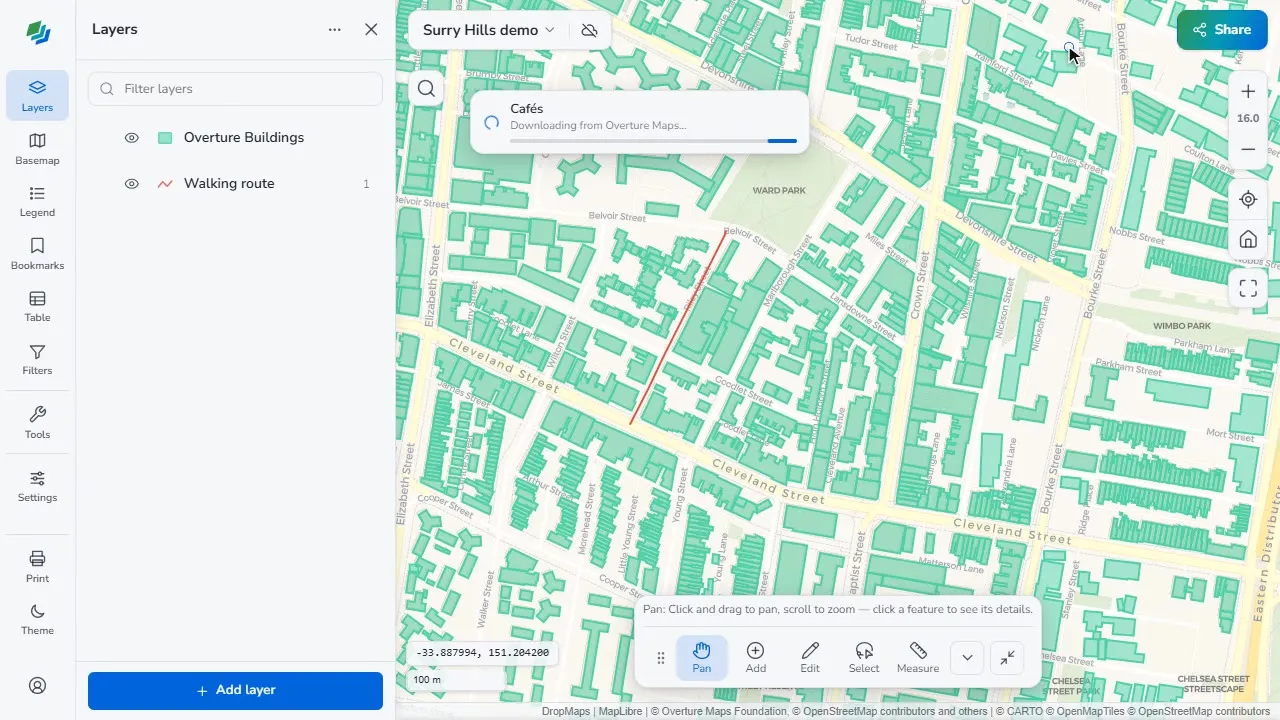
Style & organise

Make it legible and keep it tidy.

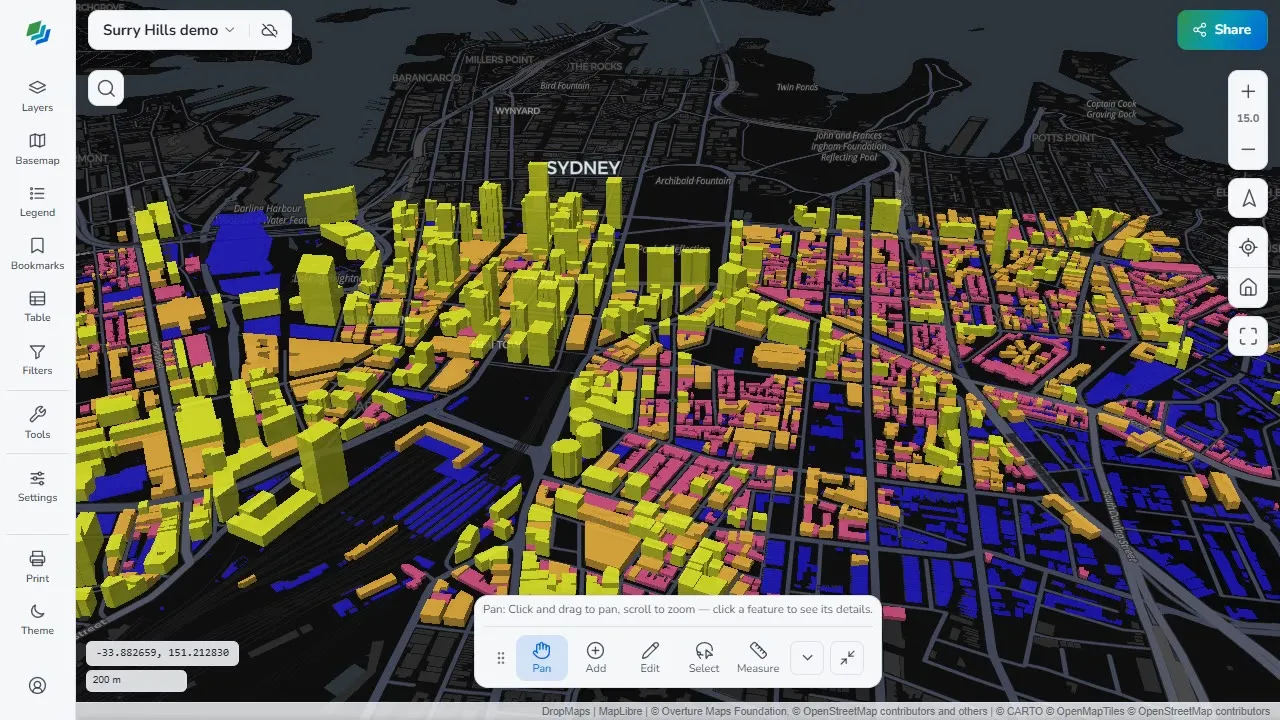
  • Per-layer symbology — colours, strokes, fills, point markers
  • Layer groups, ordering, visibility and opacity
  • Fast rendering with MapLibre GL + DuckDB-WASM

Connect to the web — and your desktop GIS

Pull in live web sources, and round-trip your work to QGIS.

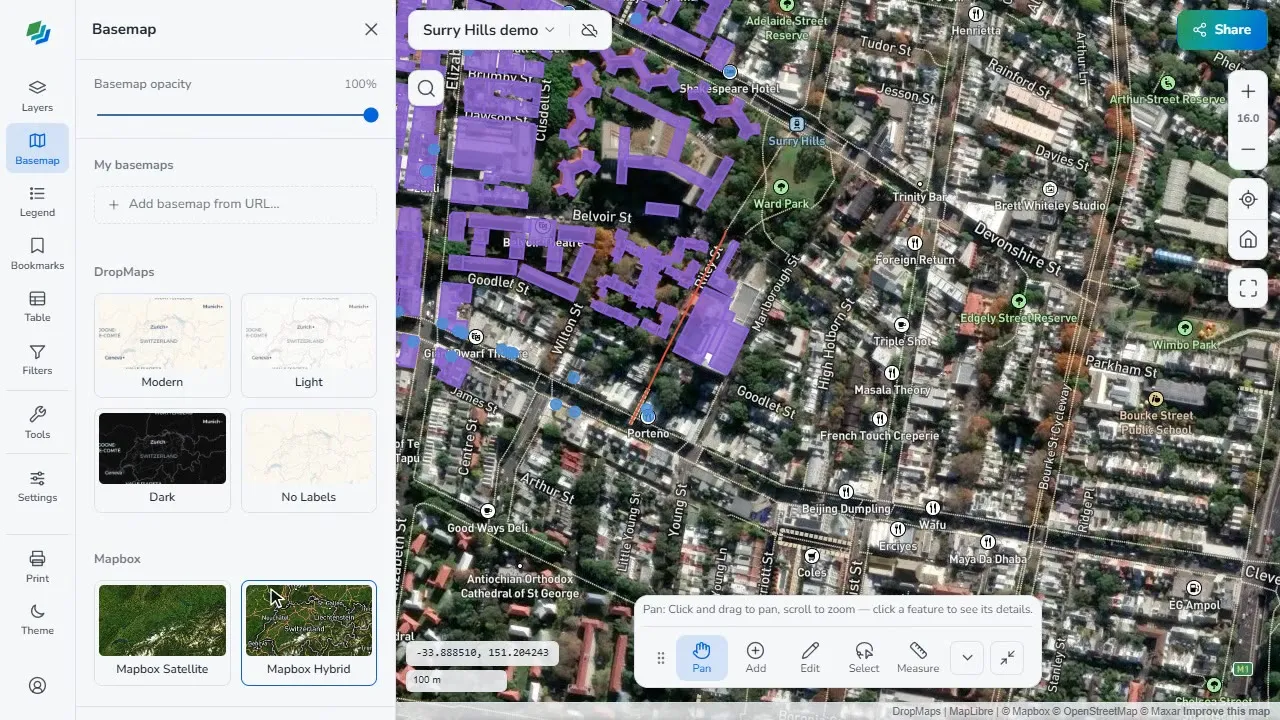
  • Browse public basemaps and overlays — satellite, topo, street and more
  • Search ArcGIS Online & the Living Atlas, and add Feature Layers
  • Add from URL — XYZ tiles, PMTiles, GeoJSON, WMS or a MapLibre style
  • DropMaps QGIS plugin: import/export .dmap files and sync cloud layers both ways
  • A free desktop Converter turns GeoTIFF & MBTiles into stream-ready COG / PMTiles

Save, share & sync Pro / Team

Stay local, or go Pro to cloud back-up and publish.

  • Cloud backup & sync across devices Pro
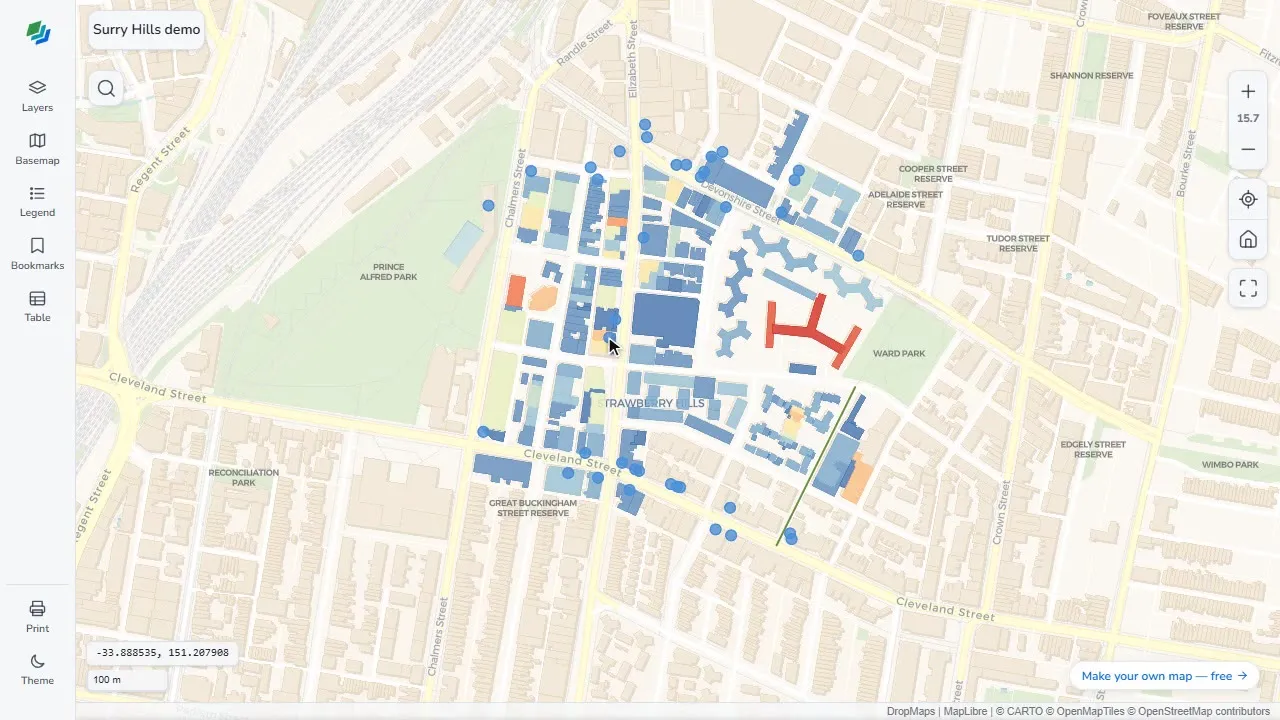
  • Share a map to anyone with a link — no account needed to view Pro
  • Branded, read-only viewer with password, expiry & view stats Pro
  • Share with specific people & real-time collaboration Team

Ready to make a map?

Free to start, right in the browser.

Launch the app