Tools › Erase
Cut an area out of your map data — free
Need everything except what is inside a zone? Drop your data in box 1 and the zone in box 2. DropMaps removes whatever falls inside the zone and keeps the rest.
The data to cut
Drop a map file here, or
The area to remove
Drop a map file here, or
Both layers in one file? Just fill box 1 — you can pick the second layer in DropMaps.
By opening your file you agree to the DropMaps Terms of Service and Privacy Policy.
✓ Opened in a new tab
Your files stay on your computer — they open in your browser, not on our servers.
Free · No signup · Nothing to install
What it does
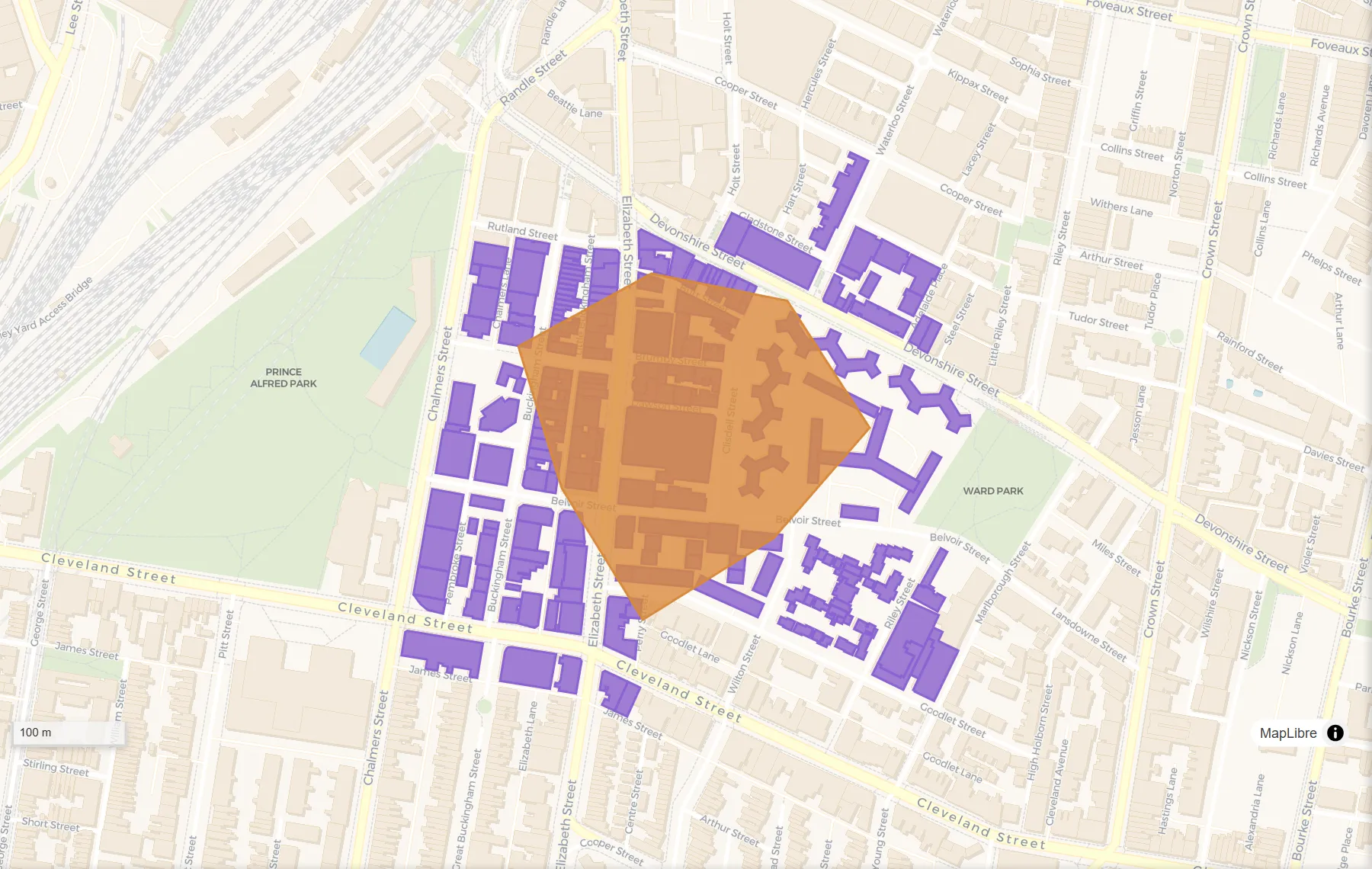
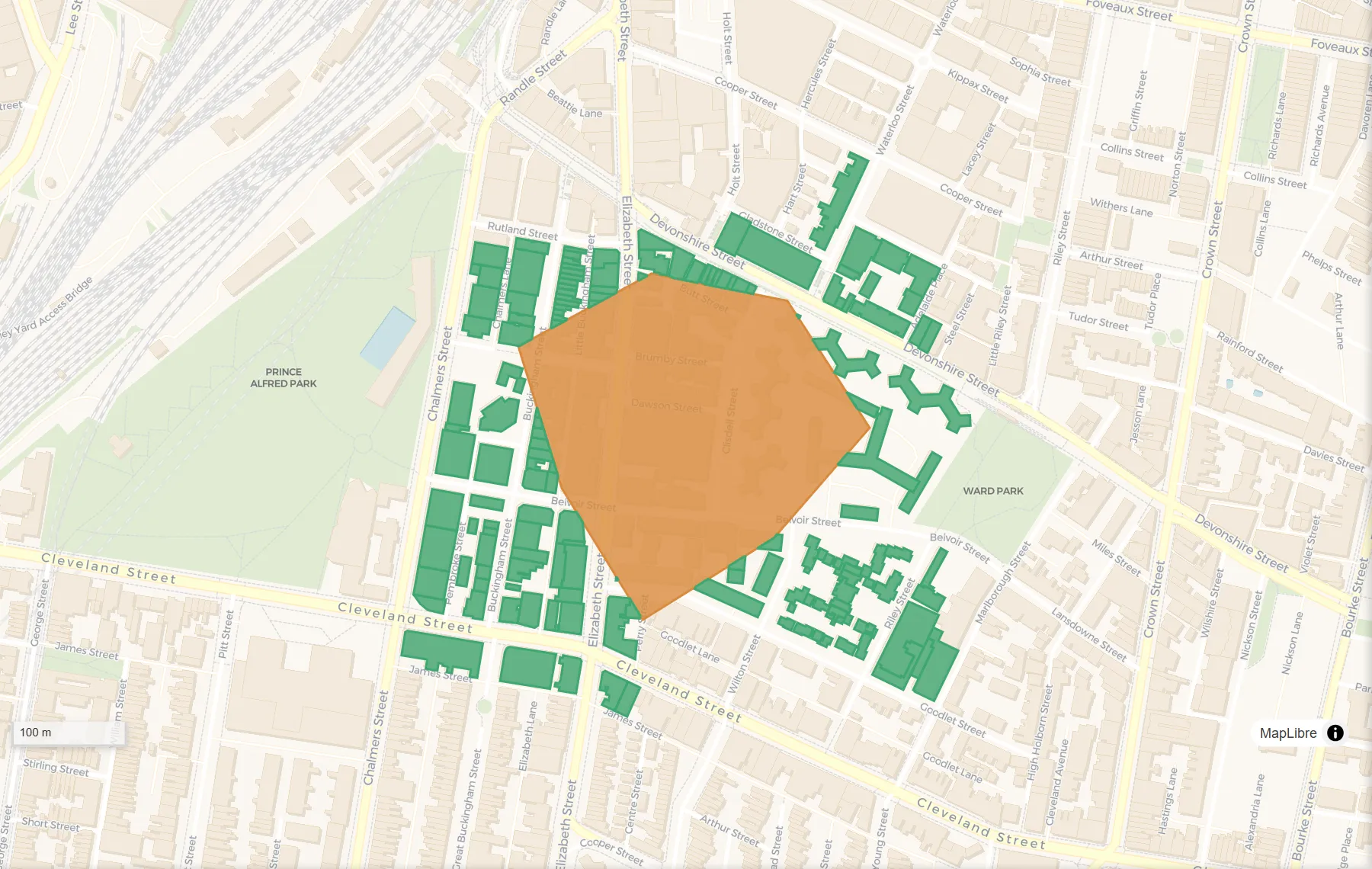
How to do it
- Any map file works: a zipped shapefile, KML or KMZ, GeoJSON, GeoPackage, GPX, a CSV with coordinates or a zipped .gdb.
- Drop the data to cut into box 1 and the area to remove into box 2. You can also drop both at once, then use “Swap” if they landed the wrong way round.
- Click “Set up Erase”. DropMaps opens in a new tab with your data on the map and the Erase tool open, your layers already picked.
- Check the two layers are the right way round, then click Run.
- The result appears on the map as a new layer. Click “Save result…” to download it as a shapefile, KML, GeoJSON, GeoPackage or CSV.
Questions
What if I want to keep what is inside instead?
Use the Clip tool. It keeps what is inside the area and removes the rest.
What if both layers are in one file?
Drop the file into box 1 only. Once DropMaps opens, pick the second layer from the list in the tool.
How do I get the result?
The result appears on the map as a new layer. Click “Save result…” under the Run button and choose a shapefile, KML, GeoJSON, GeoPackage or CSV.
Is my data uploaded anywhere?
No. The tool runs inside your browser, on your own computer. Nothing is sent to us unless you choose to save the map to a DropMaps account.
Other free tools
Viewers
Converters
Map functions
See what else DropMaps can do
It’s a full map maker in your browser — colour and label your data, draw and edit shapes, measure, stack files on top of each other, and share a map with a link anyone can open.
Explore the features