Tools › Simplify
Simplify shapes and make files smaller — free
Boundaries and coastlines often have far more detail than you need, which makes files big and slow. Drop your file here and DropMaps removes the extra points while keeping the overall shape.
Your map file
Drop a map file here, or
By opening your file you agree to the DropMaps Terms of Service and Privacy Policy.
✓ Opened in a new tab
Your files stay on your computer — they open in your browser, not on our servers.
Free · No signup · Nothing to install
What it does
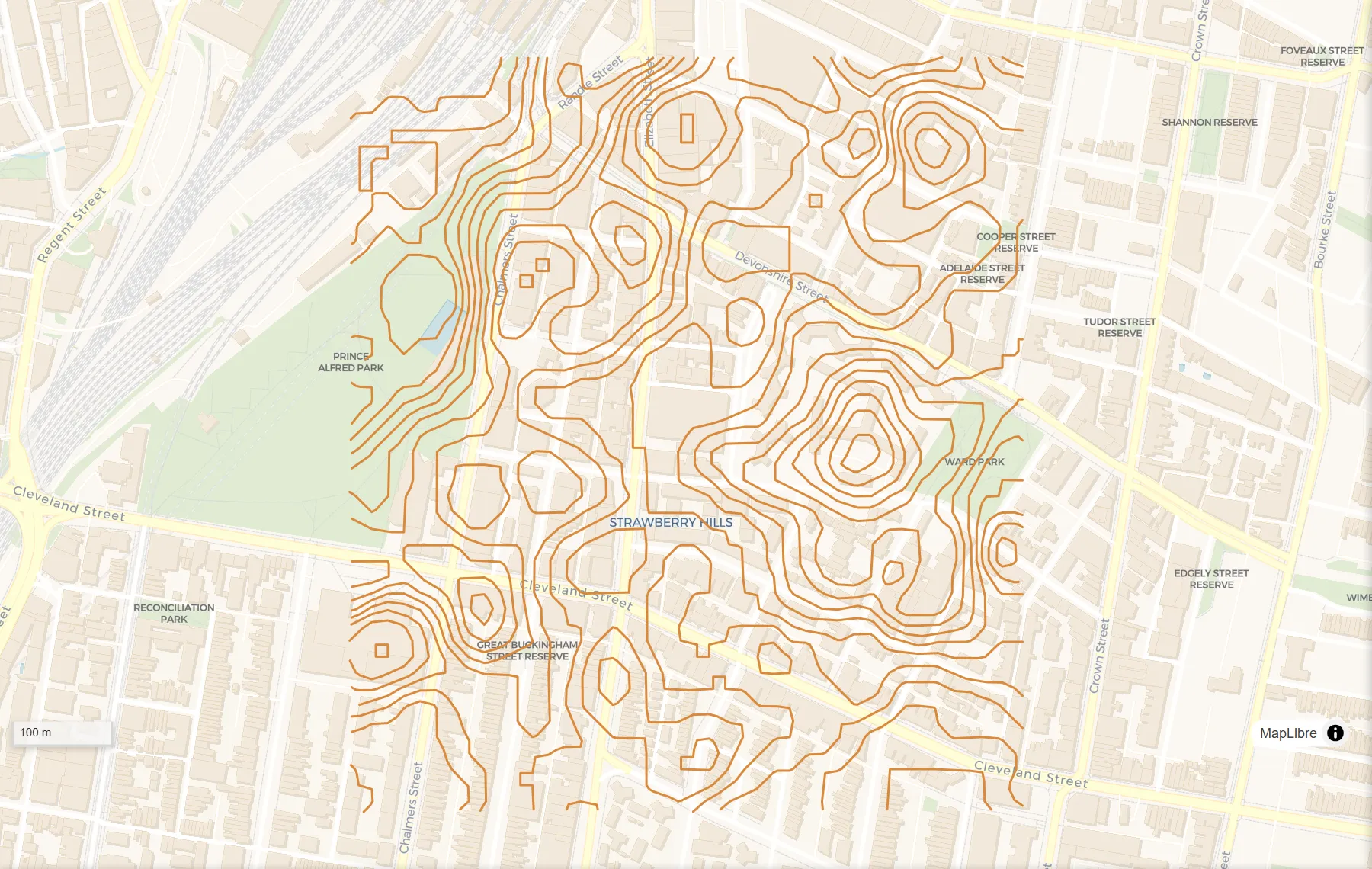
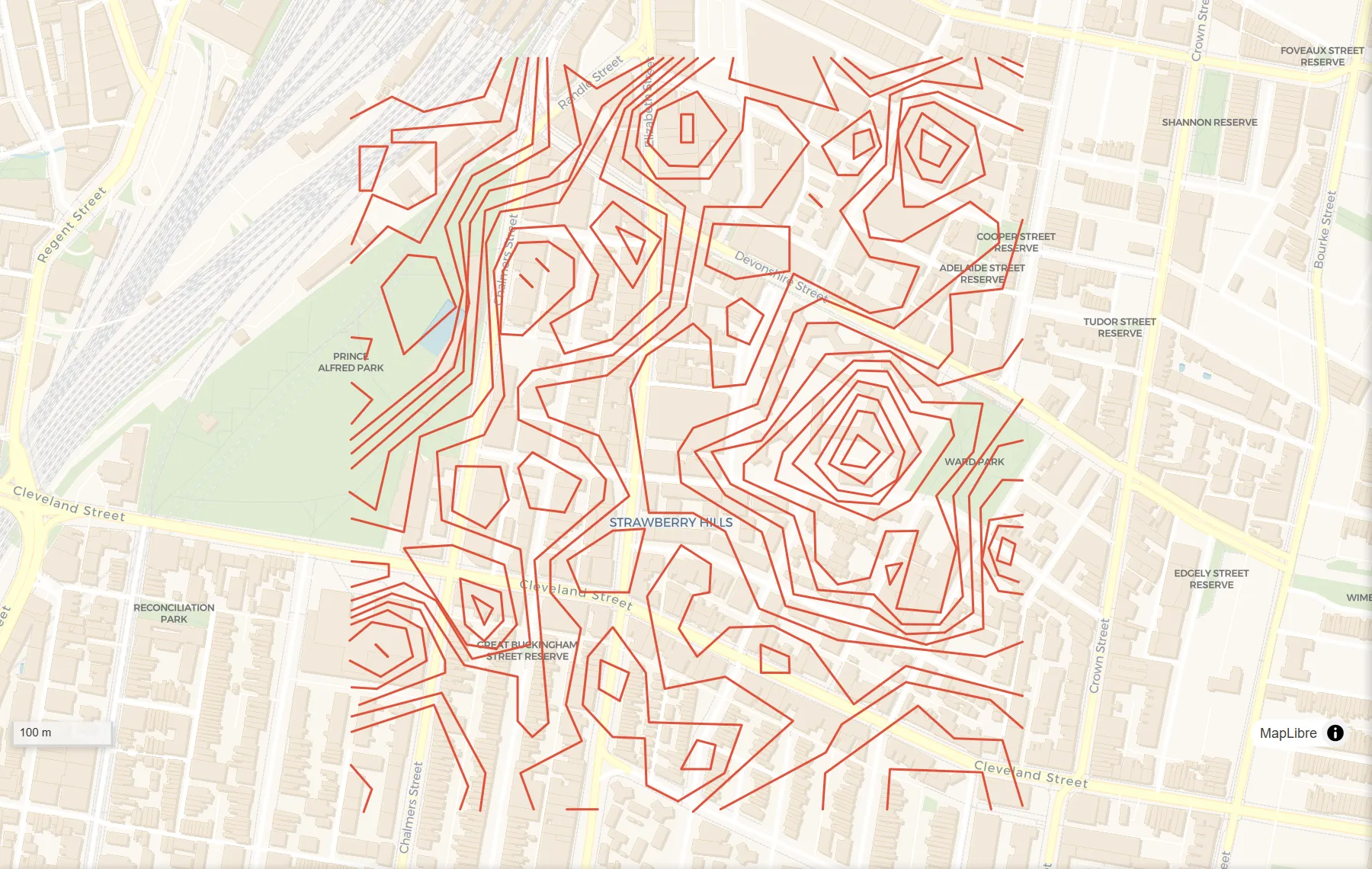
How to do it
- Any map file works: a zipped shapefile, KML or KMZ, GeoJSON, GeoPackage, GPX, a CSV with coordinates or a zipped .gdb.
- Drop your map file into the box above — or click “choose a file” to pick it from your device.
- Click “Set up Simplify”. DropMaps opens in a new tab with your data on the map and the Simplify tool open, your layer already picked.
- Choose Metres as the unit and type how much detail to remove (for example 10 m), then click Run. Bigger numbers give simpler shapes.
- The result appears on the map as a new layer. Click “Save result…” to download it as a shapefile, KML, GeoJSON, GeoPackage or CSV.
Questions
Will neighbouring shapes still line up?
Each shape is simplified on its own, so small gaps or overlaps can appear between neighbours at high settings. Keep the setting small if the edges must match exactly.
How do I get the result?
The result appears on the map as a new layer. Click “Save result…” under the Run button and choose a shapefile, KML, GeoJSON, GeoPackage or CSV.
Which files can I use?
Zipped shapefiles, KML and KMZ, GeoJSON, GeoPackage, GPX, CSV files with coordinates and zipped File Geodatabases.
Is my data uploaded anywhere?
No. The tool runs inside your browser, on your own computer. Nothing is sent to us unless you choose to save the map to a DropMaps account.
Other free tools
Viewers
Converters
Map functions
See what else DropMaps can do
It’s a full map maker in your browser — colour and label your data, draw and edit shapes, measure, stack files on top of each other, and share a map with a link anyone can open.
Explore the features